Dell · Products
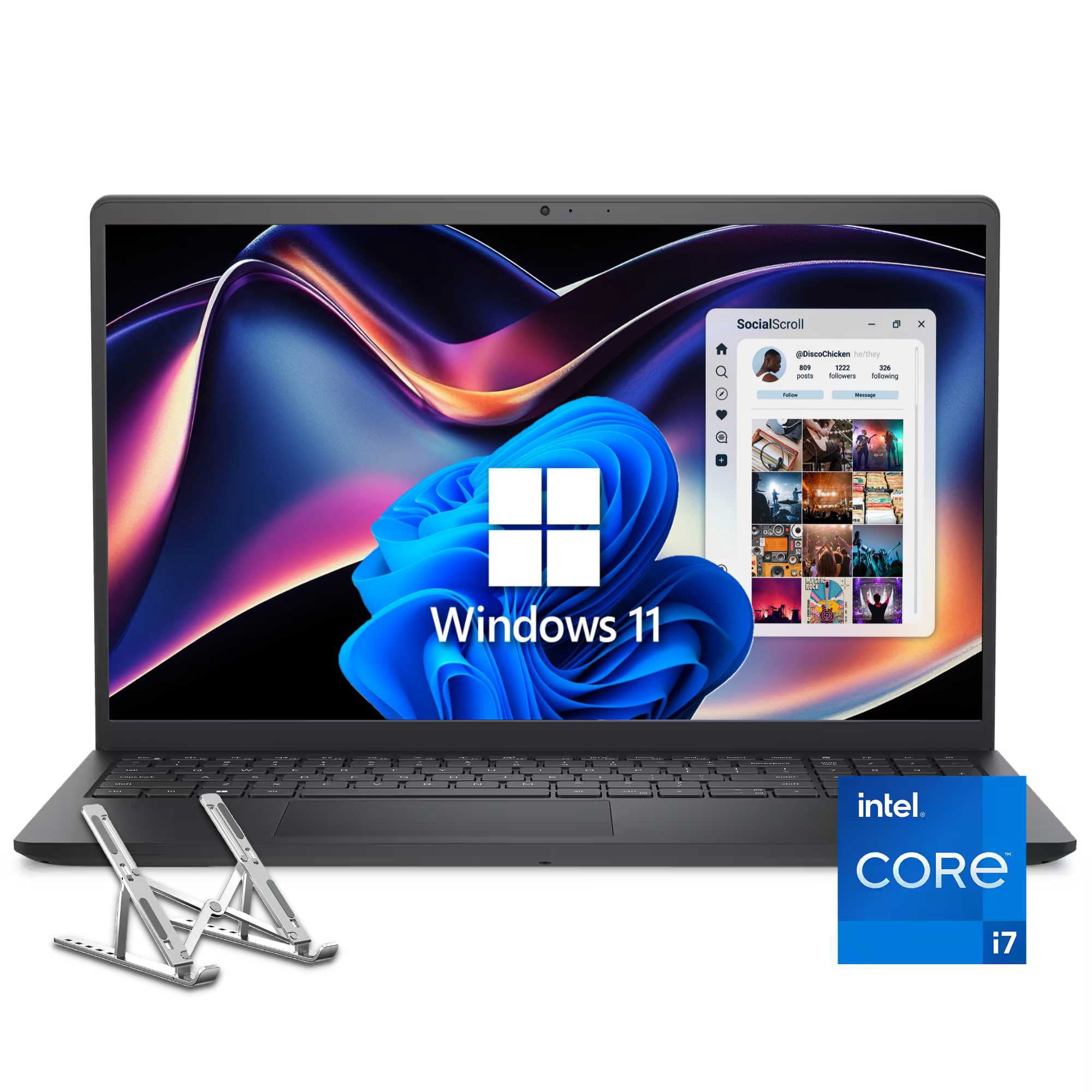
Dell 15 Laptop 15.6-inch FHD Touchscreen Intel Core i7-1355U(10-core) 16GB DDR5 RAM 512GB PCIe SSD HDMI…
Switch Out of S Mode in Windows 11 If you wish to install apps from outside the Microsoft Store follow these simple steps to switch out of S mode: Open Settings on your PC then go to System > Activation. Find the Switch to Windows 11 Home (or Pro) section then select the Go to the Store link. On the Switch out of S mode page that appears in the Microsoft Store click the Get button. After confirmation you will be able to install apps
Retailer feed last updated: 2026-11-02
Retailer offers
WalmartInternational · Data date 2026-11-02
$769.00
Shop at Walmart ↗
Prices reflect the last received retailer data and may have changed. Confirm the total including taxes, shipping, returns and availability at the retailer. Squper may earn a commission when you purchase through an affiliate link.